Decoupling Surface Work from Outer Boundaries
Every multi-function laser project combines aesthetic detailing with mechanical separation. When all geometry exists on a single default layer, the controller attempts to process elements in arbitrary order, often cutting perimeter outlines before internal artwork completes.
Proper workspace planning isolates vectors by their physical role rather than simple visual colors. Surface pockets, delicate vector strokes, and through-cuts demand distinct beam power, traversal speed, air assist pressure, and strict sequencing to ensure total spatial accuracy across the entire job.
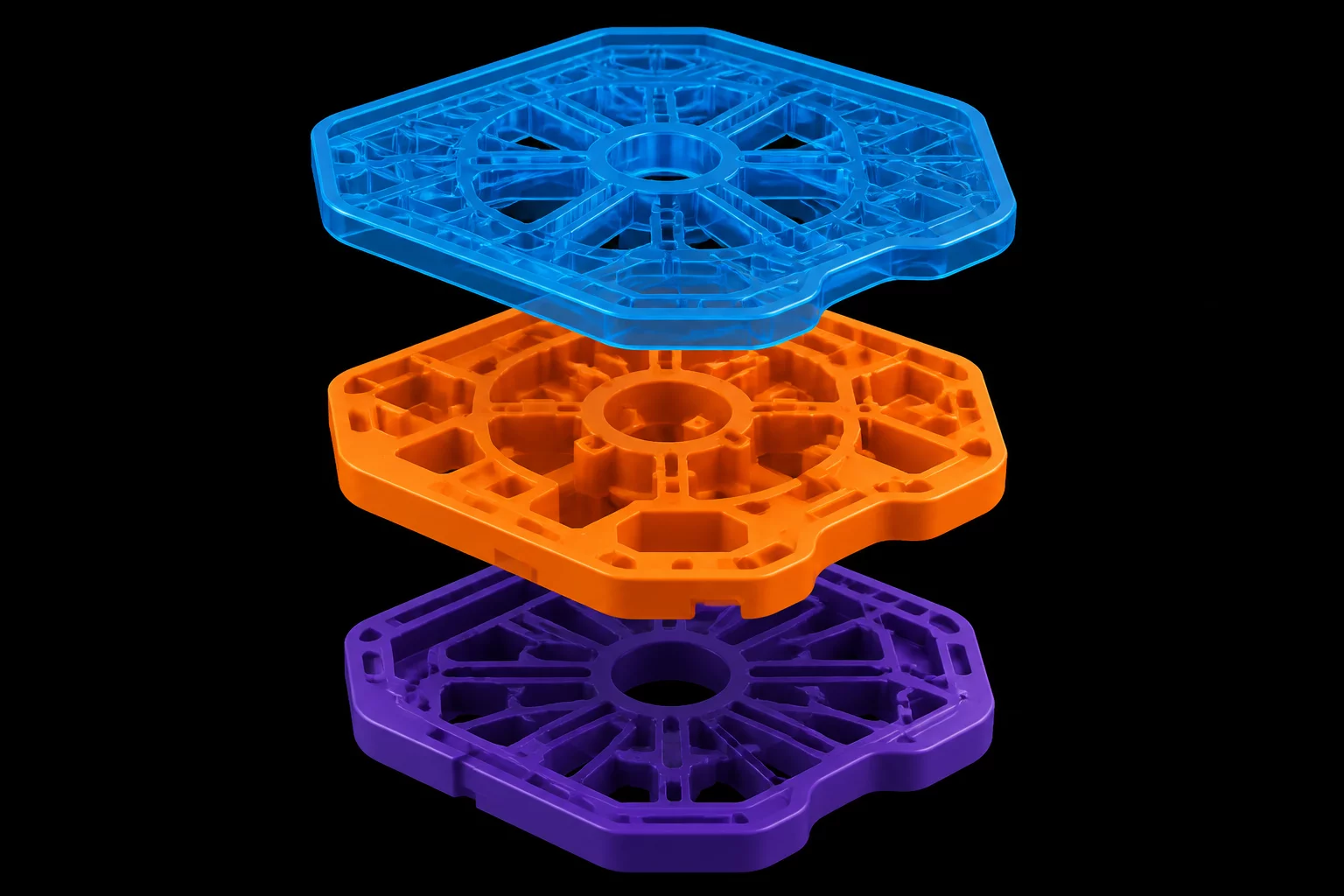
The Three-Tier Operational Layer Structure
Assign each geometric feature to one of three designated process roles inside the CAM layer palette before generating the machine toolpath:
- Raster Engrave (Fill Role): High-speed bidirectional scanning applied across solid fills while the material maintains maximum structural rigidity.
- Vector Score (Line Role): Low-power contour marking tracing decorative linework and alignment targets without piercing through the sheet.
- Through Cut (Cut Role): High-power separation executing internal mounting holes first and exterior boundaries last.
Executing cuts last prevents the workpiece from tilting into the honeycomb bed or drifting under exhaust fan airflow while precision markings are applied.
Bed Shift Prevention & Execution Checks
Before sending the final job to the laser controller, run an on-screen toolpath simulation. Inspect the layer processing order to confirm that all fill operations precede line scores, and that internal cutouts precede the outer perimeter contour.