The Redundant Color Trap
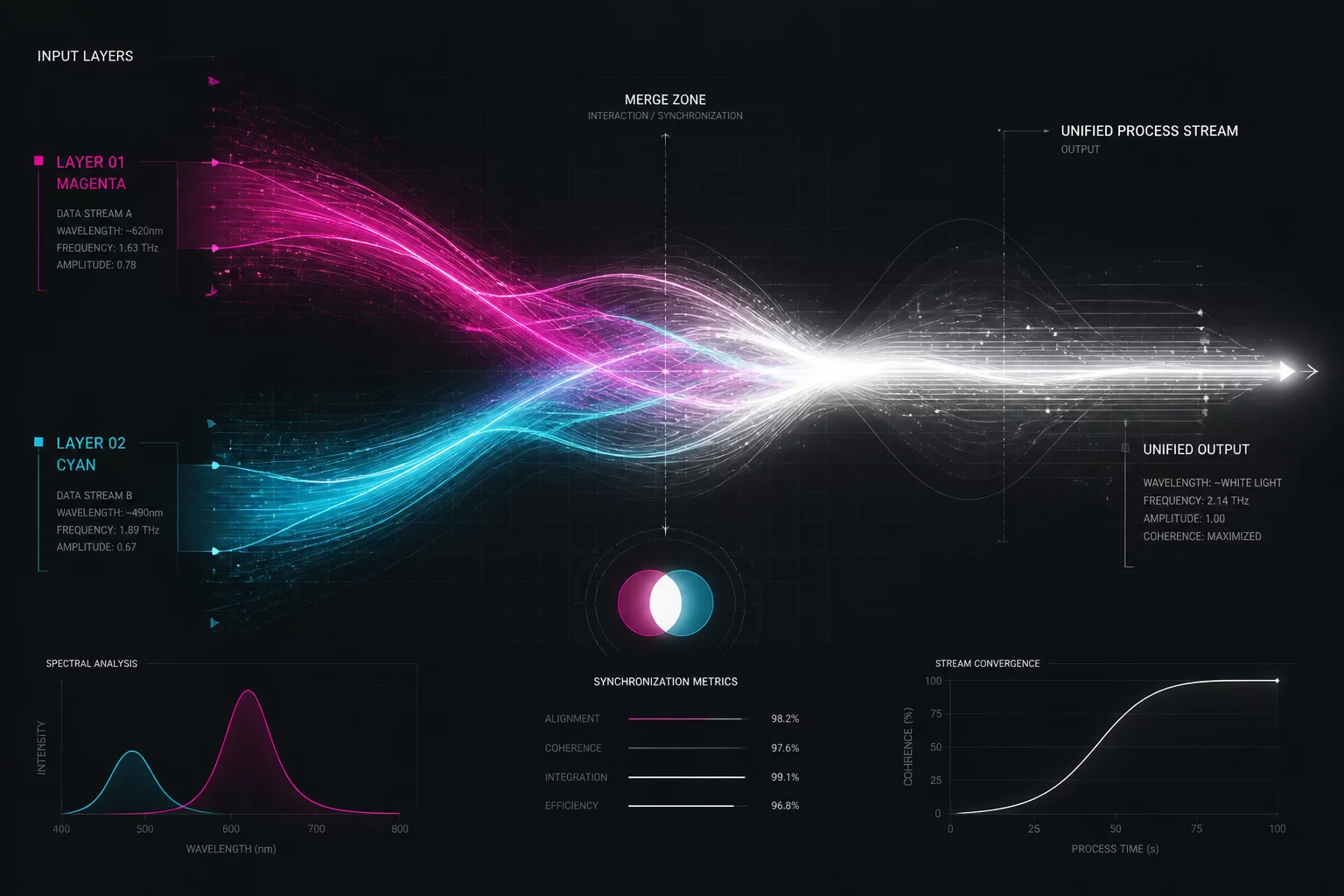
Vector artwork imported from diverse CAD packages frequently introduces arbitrary color swatches that have no operational purpose inside the laser driver. When a designer imports an SVG or DXF file, decorative line tints often map into two discrete cut layers that end up carrying the exact same speed, power, and air assist settings.
This dual-channel assignment fools the machine scheduler into treating identical vectors as two independent execution phases. Instead of linking contiguous lines in one smooth sequence, the laser controller finishes one layer palette, travels back across the bed, and starts over on the next color.
Operational Bottlenecks
Fragmenting identical processes across multiple colors creates three clear technical bottlenecks that degrade job quality and extend production time:
- Disrupted continuous pathing: The laser head aborts optimized travel paths to return across the workspace for the secondary color.
- Double parameter maintenance: Updating power or kerf values requires updating two separate layer rows, inviting user errors during adjustments.
- Interrupted assist timing: Unnecessary layer shifts trigger repetitive acceleration ramps and valve actuations that wear mechanical components.
Bench tests on a standard 600x400mm decorative panel demonstrated that merging two identical scoring layers cut rapid travel distance by 28% and shaved 2 minutes and 15 seconds off the cycle time.
Consolidation and Clean Runs
Before hitting start on any multi-step job, review the cut layer palette to confirm that every unique color represents a distinct mechanical operation. If two layers share identical speed, power, and focal depth values, select all geometry from the redundant swatch, reassign it to the primary layer, and delete the orphaned color. This single audit step ensures your controller executes clean, contiguous vector paths without wasted motion.