
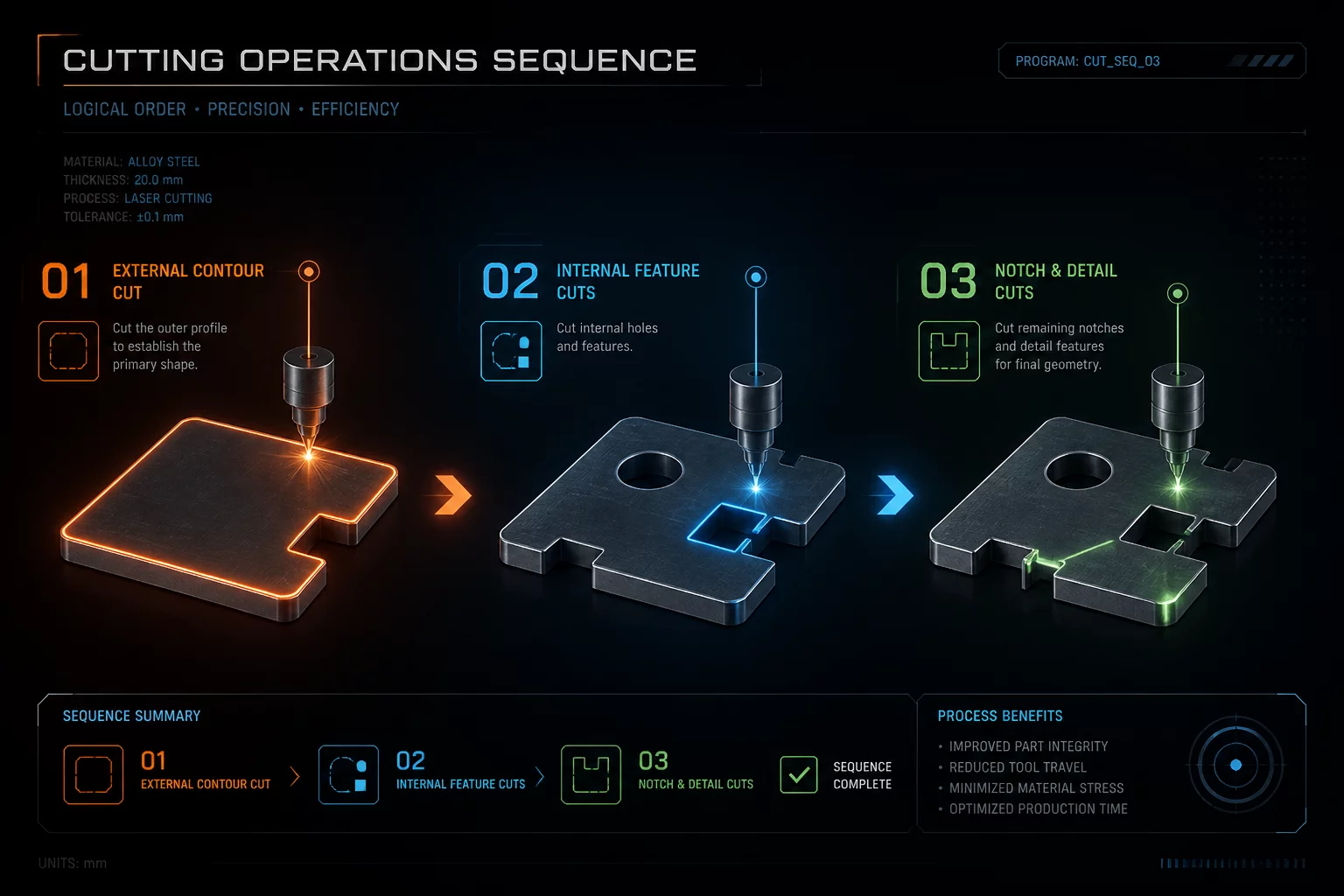
Inside-to-Outside Priority Logic
When a laser beam pierces through sheet material, structural rigidity collapses along the cut vector. If the exterior profile cuts first, the entire workpiece separates from the stock grid or honeycomb bed. Any subsequent internal cutout operations then execute on a detached, tilted, or vibrating piece of material, ruining precision tolerances and throwing the focal point completely out of alignment.
The fundamental architecture of laser cut ordering dictates that all internal features—such as mounting holes, decorative fretwork, internal slots, and inner mortises—must be fully cut while the workpiece remains firmly anchored to the parent sheet. Only after every interior vector is severed does the controller initiate the final perimeter path.
Managing Kerf, Dropped Scraps & Shift
Executing complex nested cuts requires systematic separation of internal and external cut lines into dedicated layers or setting automatic path optimization routines. High-pressure air assist can easily dislodge small lightweight cutouts; if an outer boundary has already been severed, the entire part will tilt or shift under airflow.
- Stage 01: Sub-millimeter internal piercings, screw holes, and fine filigree cutouts.
- Stage 02: Intermediate internal contours, secondary structural pockets, and slots.
- Stage 03: Final exterior perimeter contour releasing the finished part from stock.
Material tension also releases during vector cutting. In natural wood ply and extruded acrylics, internal stresses cause slight warping once vectors open. Cutting interior features while the board is held flat under hold-down pins is intended to help that dimensional accuracy between inner apertures and outer boundaries remains sub-millimeter tight.
LightBurn Optimization & Pre-Run Rules
Before sending vectors to the laser controller, run the LightBurn Preview or CAM simulator in slow motion. Confirm that the cuthead finishes all internal geometry across all nested parts prior to firing the perimeter cut. Check layer ordering in the Cuts / Layers palette and verify that 'Cut Inner Shapes First' is enabled in the optimization settings.